New Videos in the Silhouette U Library (October 2026)

What's new in October? Four videos, and every one of them is about getting your files to behave. Silhouette users get a better home for their design library than the Studio library itself, xTool owners get every tool on the top toolbar explained across the P2 and the Omni, laser and UV printer owners learn to cut blanks shaped to match the design going on them, and Roland owners get the free replacement for Flexi, including the parts of it that fight back.

How to Build Your Silhouette Studio Library in Google Drive

People ask constantly how to build a large, organized library inside Silhouette Studio, and Melissa's answer is that you should not. The Studio library is a workspace, not storage: it lives on one computer, it is not a backup, and the files inside it are hard to use anywhere else. This walks through the alternative. Export User Created Files hands you your designs, fonts and patterns in the exact folder structure you already built, subfolders intact, and from there it is one upload into a free Google Drive. Design Store purchases will not export, so Melissa covers how to bring those in separately. And the question everyone asks, how hard it is to get a file back into Studio, turns out to take about five seconds.


Watch Video

xTool Studio Top Toolbar Deep Dive: Every Tool Explained

Part two of the xTool Studio deep dive takes on the toolbar that is sometimes there and sometimes not. It only appears once something is selected, and what it holds changes depending on whether you have a vector, a PNG, text or an offset, and whether a P2 or an Omni is connected. Melissa shows both machines side by side. Reflect gets real time, because it does the same job as image mirror printing in the right panel and using both at once quietly cancels your mirror out. Then cutout, mask, the AI tools that spend credits whether you like the result or not, fill and stroke, the shadow setting that makes it look broken, and offset for stickers and for bleeds.

Watch Video

Homework 50.1: How to Create Custom Laser Cut Blanks for UV Printing

Stock blanks come in circles and rectangles, and your design never quite fits them. Part one of a three part homework makes the blank match the design instead. Melissa turns a PNG into custom shaped acrylic blanks in xTool Studio, cut on 3mm clear acrylic for a set of team ornaments. You will see why she turns the whole design solid black in the Adjust panel before tracing, and how that gives you one clean cut line instead of a mess of extra lines inside. Then adding an ornament hole and combining it into a compound path, which is not the same as grouping, sizing and duplicating for a full batch, and the reason to leave the film on clear acrylic while you design.

Watch Video

Roland Designer Cut Contours for Kiss Cut and Die Cut Stickers

Flexi does not come free with a Roland anymore, and Roland Designer is the free replacement. It runs in the browser and syncs straight to VersaWorks, but it only behaves if your file arrives ready. This is the follow up promised in the setup video, working through real sticker files rather than one tidy shape. Melissa covers what a zero millimeter offset looks like next to a wider one, how to delete stray cut lines and why doing it early matters, and the big one: Designer does not weld, so a 3mm offset leaves you with a pile of overlapping outlines until you unite them in the Combiner. Plus stacking a cut contour with a perf cut, and what a JPEG does instead.

Watch Video

More Exclusive Member Benefits

1:1 Assistance icon

1:1 Assistance

  • Personalized 1:1 Chat Help with Melissa
  • Get your questions answered in real time
  • Regularly voted one of our members' favorite perks

Exclusive Assets / Libraries icon

Exclusive Assets / Libraries

  • Access to Exclusive Content & Calculators
  • New Videos Added to Video Library Monthly
  • Exclusive Members-Only Mini Guides
  • Monthly Coupon for Fonts & Designs (Pays for your membership!)

Fast Help & Savings icon

Fast Help & Savings

  • Access to Member Only Priority Inbox for Fast Help
  • Private Facebook Group Access
  • Member Only Deals at Retail Partners

More from Silhouette U

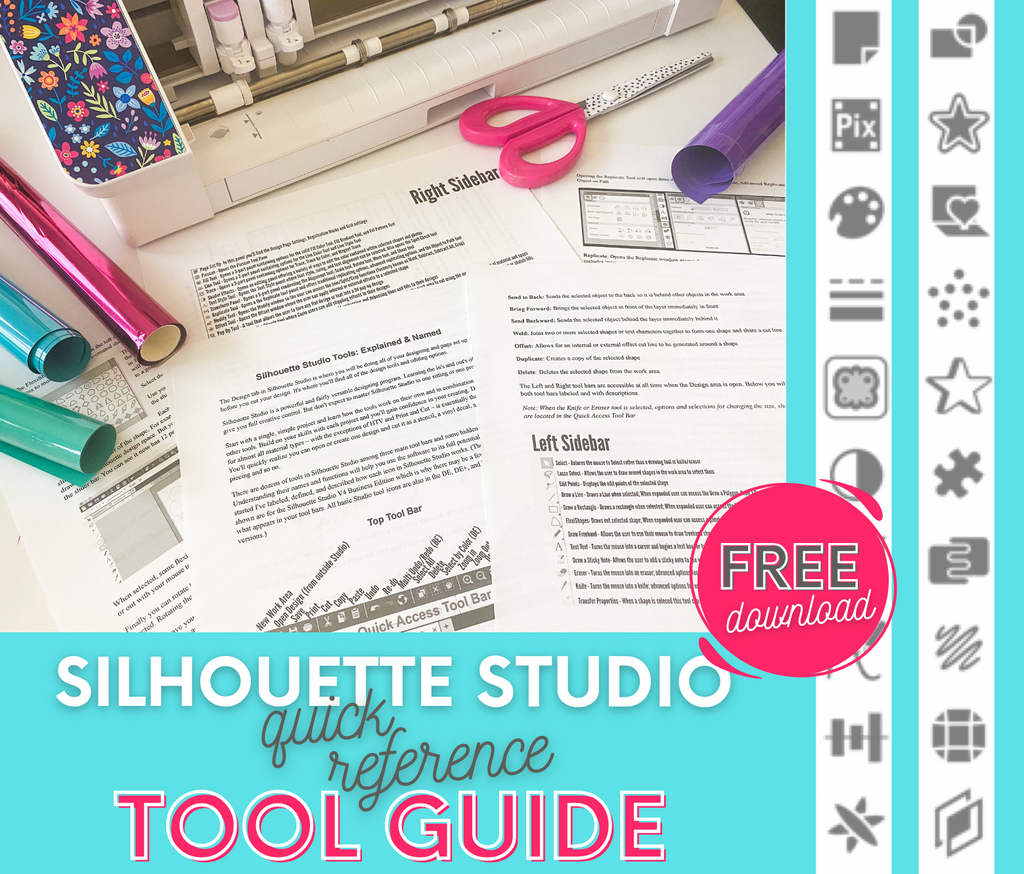
Get the Free Silhouette Studio Tool Guide

Get the Free Silhouette Studio Tool Guide

Download Now
Preview Every Video in Our Exclusive Library

Preview Every Video in Our Exclusive Library

Browse Video Tutorials
What's New at SIL U Blog

Shopping Cart

Your cart is currently empty.