New Videos in the Silhouette U Library (May 2026)

What's new in May? A packed month across every machine and every skill level. Sublimation printers get a deep dive on whether Business Edition is worth the upgrade, CAMEO 4 and 5 owners learn the one loading trick that prevents misaligned cuts, designers tackle stubborn PNG sticker sheets that won't trace cleanly, Roland BN2-20A users master the Job Settings panel that controls every print and cut decision, and xTool owners finally dial in photo engraving settings that produce crisp, photorealistic results on wood.

Is Silhouette Studio Business Edition Worth It for Sublimation?

Silhouette Studio Business Edition isn't just for people with a Silhouette cutting machine — it unlocks features that sublimation printers use every single day. In this video, Melissa walks through six Business Edition features that genuinely matter for Epson F170 and F570 owners, Sawgrass users, and anyone sublimating tapered tumblers: custom pattern imports, the shadow effect, the rhinestone tool as a printed effect, conical warp, direct printing to your Epson, and the file export workaround for Sawgrass. If you've been on the fence about upgrading to Business Edition, this video walks through exactly what you get.


Watch Video

How to Properly Load the Cutting Mat on CAMEO 4 and 5

If your CAMEO 4 or 5 cuts are coming out misaligned, the mat is shifting mid-cut, or your material keeps falling off the mat — it's probably not your machine. It's how the mat is loaded. Most people use one hand and press the Load button, and that one-handed method is exactly why the mat drifts. In this quick beginner tutorial, Melissa shows the correct two-handed loading method, explains what the up arrow button actually does, and why it makes such a dramatic difference in cut quality. Works for both the 12x12 and 12x24 mats.

Watch Video

How to Turn a PNG Sticker Sheet into Cut Files for Silhouette or Roland Print and Cut

Got a PNG or JPEG sticker sheet that didn't come with individual cut files? This video walks through three different tracing scenarios in Silhouette Studio — from the simple white-background sticker sheet that traces in seconds, to the colored-background design that needs Trace and Detach, to the stubborn low-contrast file where neither threshold adjustment nor Trace and Detach can do the job alone. You'll learn when to use Trace Outer Edge vs Trace and Detach, how Trace by Color bypasses threshold limitations, and how to combine multiple trace techniques to handle any sticker sheet you get.

Watch Video

How to Use Job Settings in Roland VersaWorks 7

Roland VersaWorks 7's Job Settings panel controls every single print and cut decision for your Roland BN-20 or BN2-20A — layout, scaling, copies, color management, cut controls, printer controls, and more. But most users never touch it, and that's exactly why their prints don't come out the way they designed them. In this video, Melissa walks through which settings actually matter for 95% of print jobs, including the single most important setting in the Color Management section that fixes blues printing purple and reds printing orange.

Watch Video

How to Laser Engrave Photos on Wood with xTool

Photo engravings on wood either look stunning — or muddy and faded. The difference isn't the laser. It's the photo prep and the settings you dial in before you engrave. In this video, Melissa walks through the exact start-to-finish workflow she uses for getting crisp, photorealistic engravings on 3mm basswood plywood with the xTool P2 — including why xTool's auto-recommended settings produce barely-visible engraves, the specific power and speed numbers that actually work, why Jarvis is the right bitmap mode for portraits, and how lines per centimeter affects both detail and runtime.

Watch Video

More Exclusive Member Benefits

1:1 Assistance icon

1:1 Assistance

  • Personalized 1:1 Chat Help with Melissa
  • Get your questions answered in real time
  • Regularly voted one of our members' favorite perks

Exclusive Assets / Libraries icon

Exclusive Assets / Libraries

  • Access to Exclusive Content & Calculators
  • New Videos Added to Video Library Monthly
  • Exclusive Members-Only Mini Guides
  • Monthly Coupon for Fonts & Designs (Pays for your membership!)

Fast Help & Savings icon

Fast Help & Savings

  • Access to Member Only Priority Inbox for Fast Help
  • Private Facebook Group Access
  • Member Only Deals at Retail Partners

More from Silhouette U

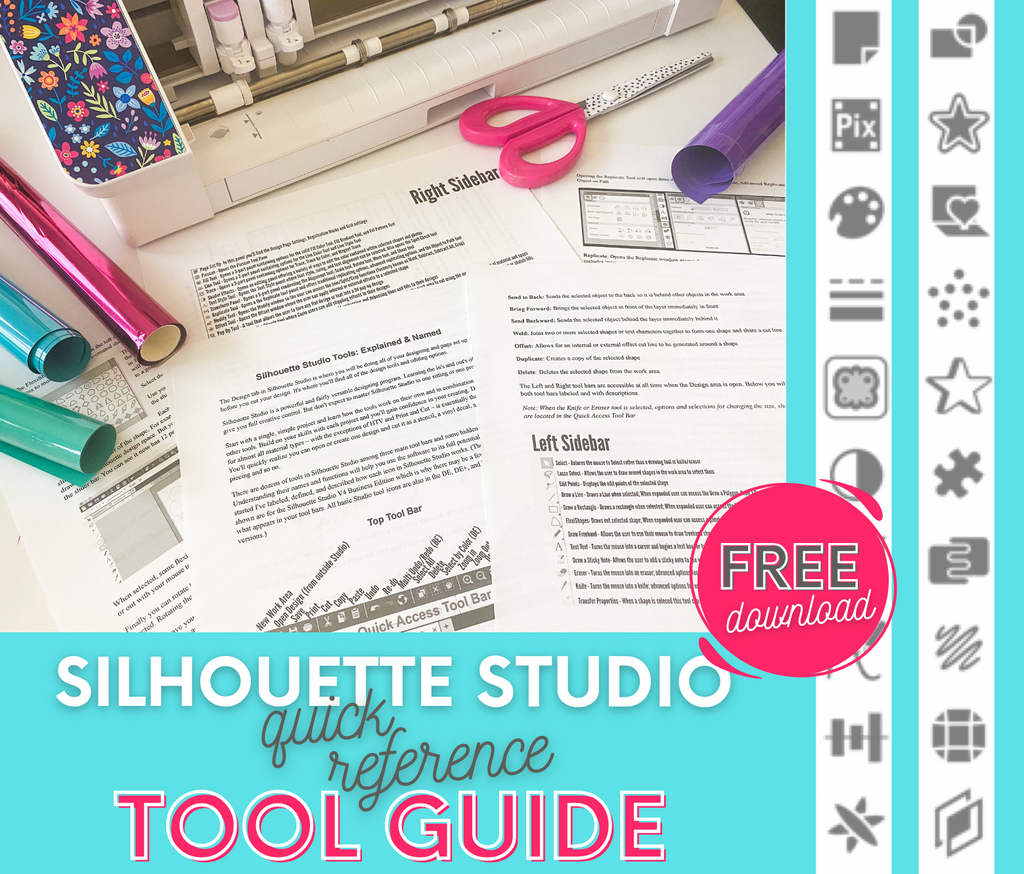
Get the Free Silhouette Studio Tool Guide

Get the Free Silhouette Studio Tool Guide

Download Now
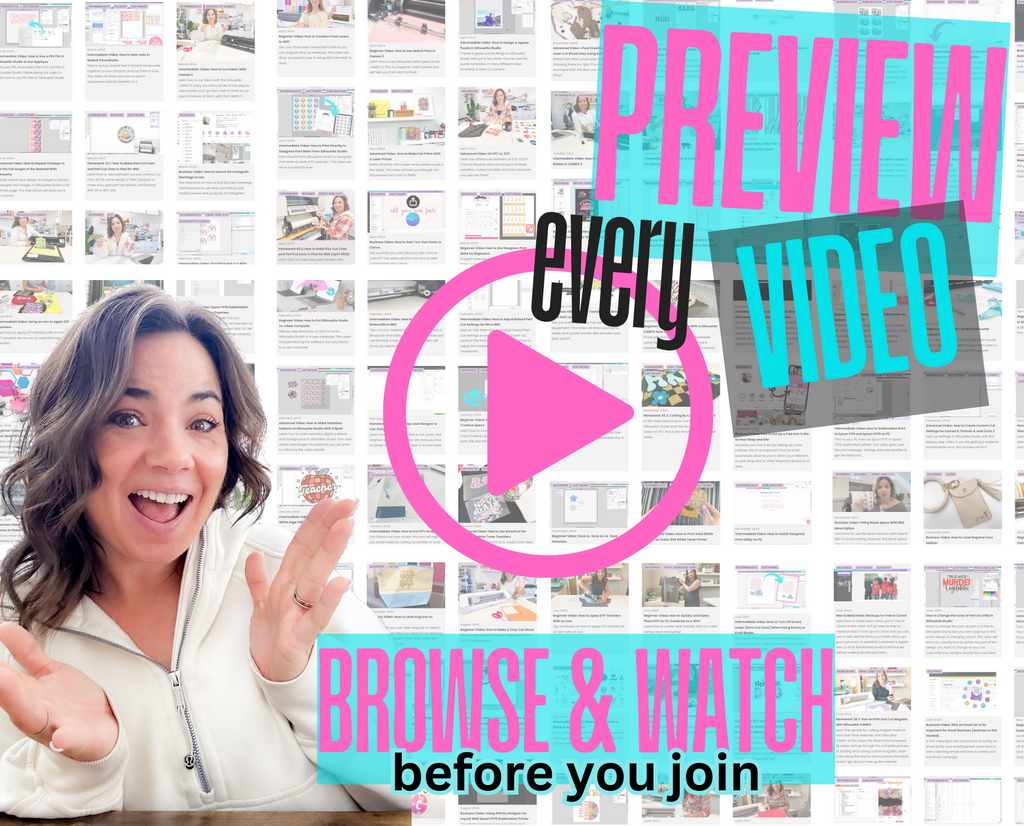
Preview Every Video in Our Exclusive Library

Preview Every Video in Our Exclusive Library

Browse Video Tutorials
What's New at SIL U Blog

Shopping Cart

Your cart is currently empty.