New Videos in the Silhouette U Library (June 2026)

What's new in June? A packed month spanning every machine in your craft room. Sublimation makers learn how to stop ghosting from ruining their tumblers, eufyMake E1 owners get the post-maintenance-mode routine that prevents failed prints, anyone with an embroidery machine and Embrilliance gets a foundational setup walkthrough, xTool DTF printer users discover how to push the print page past 18 inches for larger transfers, and designers learn how to import PDF patterns into Silhouette Studio and clean them up for cutting.

How to Avoid Ghosting on Sublimation Prints

Sublimation ghosting can ruin a tumbler or substrate in a split second. In this video, Melissa walks through the exact technique she uses on every sublimation print to prevent ghosting: high-temperature tape on every substrate, proper heat press pressure that doesn't pop at the end of a cycle, and when to use pressing pillows. Includes a side-by-side comparison of the same blank with tape versus without, and just how dramatic the difference is.

Watch Video

eufyMake E1 UV Printer Maintenance: A How-To Guide

If your eufyMake E1 keeps producing failed prints after coming out of maintenance mode, the issue probably isn't your machine. It's the routine that most owners skip. In this video, Melissa walks through what to do after the ink injection completes: the strategic timing trick that saves you ten minutes, why you need to shake the white ink cartridge for 30 seconds, when to use the smaller print platform for test prints, and how to read the test print so you know whether your machine is ready to print.

Watch Video

How to Set Up and Update Embrilliance Embroidery Software

Embrilliance is one of the most popular machine embroidery software programs, but the website is confusing and getting started can feel overwhelming. In this beginner-friendly walkthrough, Melissa shows how to check what version you're running, how to update to the current release, how to enter your serial number, how to set your hoop size for your specific machine, and how to create your first custom name and save it as a stitch file ready for your embroidery machine.


Watch Video

How to Print Longer on xTool DTF Printer for Larger DTF Transfers

The default print area on the xTool Apparel Printer is only 18 inches long. If you've been hitting that limit and wishing you could fit larger DTF transfers, signs, or just more designs per sheet, there's a setting in xTool Studio (not Creative Space) that extends the page length to almost 24 inches. In this video, Melissa shows how to check what version you're on, how to update if needed, and where the page extension setting hides in the work area.

Watch Video

How to Import and Use PDF Patterns and Templates in Silhouette Studio

Free PDF patterns and templates from sites like AuntAnnie.com aren't just for printing. You can bring them right into Silhouette Studio and cut them with your CAMEO. The catch is that PDFs almost never import cleanly. In this video, Melissa walks through the full import workflow: vector versus image import, how to use the Send Panel to identify extra cut lines, how to clean up text and bounding boxes, the trace tool gotcha that creates double cut lines on fold lines, and the workaround that saves the project.

Watch Video

More Exclusive Member Benefits

1:1 Assistance icon

1:1 Assistance

  • Personalized 1:1 Chat Help with Melissa
  • Get your questions answered in real time
  • Regularly voted one of our members' favorite perks

Exclusive Assets / Libraries icon

Exclusive Assets / Libraries

  • Access to Exclusive Content & Calculators
  • New Videos Added to Video Library Monthly
  • Exclusive Members-Only Mini Guides
  • Monthly Coupon for Fonts & Designs (Pays for your membership!)

Fast Help & Savings icon

Fast Help & Savings

  • Access to Member Only Priority Inbox for Fast Help
  • Private Facebook Group Access
  • Member Only Deals at Retail Partners

More from Silhouette U

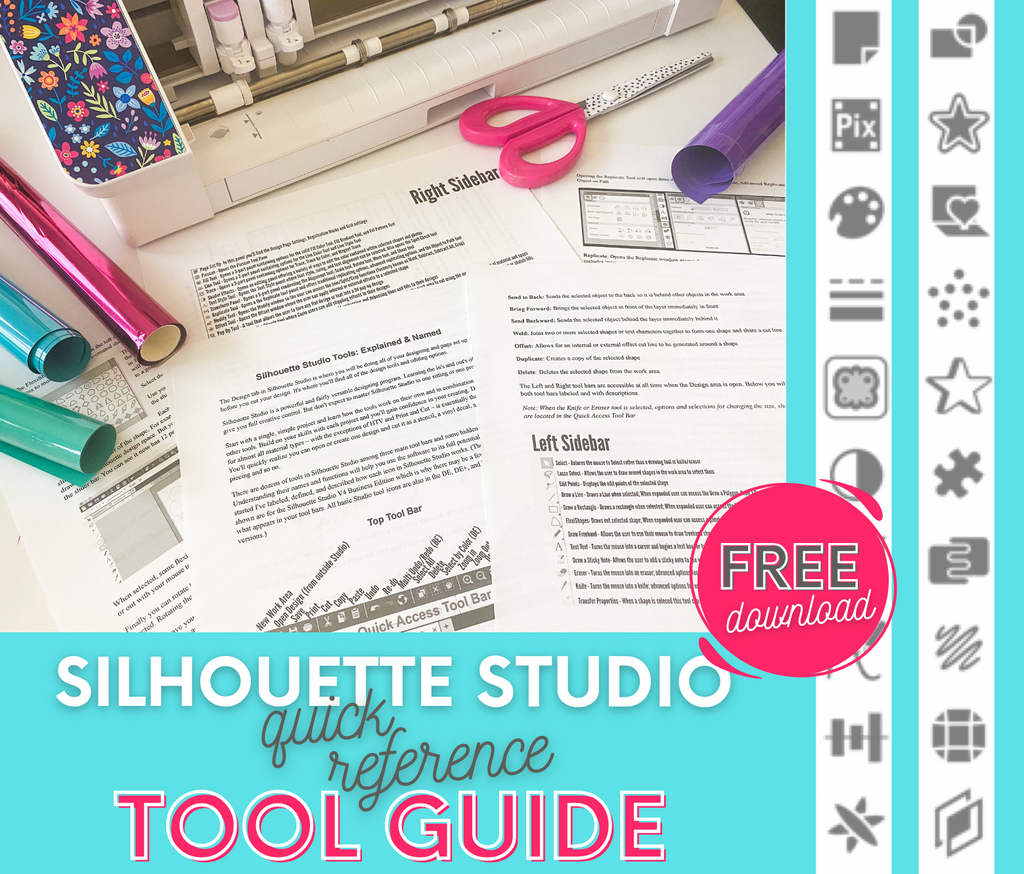
Get the Free Silhouette Studio Tool Guide

Get the Free Silhouette Studio Tool Guide

Download Now
Preview Every Video in Our Exclusive Library

Preview Every Video in Our Exclusive Library

Browse Video Tutorials
What's New at SIL U Blog

Shopping Cart

Your cart is currently empty.