
New Videos in the Silhouette U Library (July 2026)

What's new in July? A packed month spanning every machine and skill level. xTool laser users learn how to prep and save clean SVG files out of Silhouette Studio, anyone running Studio on more than one computer learns how to sync their library across machines, DTF makers get a two-part homework on removing white ink so the shirt color shows through, eufyMake E1 owners discover how to speed up printing with zero point alignment, and Roland users get a first look at the new free DG Connect cut-line software.

How to Prep & Save SVG Files in Silhouette Studio for xTool

Designing in Silhouette Studio but cutting or engraving on an xTool? The trick is getting your file out as a clean SVG with the right operations built in. Melissa shows how to set up your cut, score, and engrave lines using line colors, then save the design as an SVG that drops straight into xTool Studio already separated and ready to run, instead of importing as one big confusing layer.

Watch Video

How to Use Silhouette Studio on Multiple Computers

Did you know your Silhouette Studio upgrade works on more than one computer? As long as you sign in with the same account, your software, your Designer or Business Edition upgrade, and your library travel with you across up to three machines. Melissa shows how to sign in correctly, why Work Offline needs to stay unchecked, what the sync icons mean, and how to bulk sync your designs so nothing goes missing on your other computer.

Watch Video

Homework 49.1: How to Remove White in Your DTF Design So Your Shirt Color Shows Through

A new homework assignment, back by request. In Part 1 of this two-part series, Melissa shows how to use Silhouette Studio to remove the white from a DTF design so the color of your shirt shows through instead of printing white ink. You'll use Trace by Color and the Modify panel to knock the white out, which saves ink and gives you a thinner, softer, more breathable transfer. Part 2 next month picks up in xTool Studio to cut your white ink down even further.

Watch Video

eufyMake E1 Zero Point Calibration and Alignment (Plus Your First Print)

The photo alignment step on the eufyMake E1 can add up to ten minutes to every print. Zero Point Alignment lets you skip it. Melissa walks through the one-time Zero Point Calibration that prints a reference mark on your mat, then does a first print on a magnet using it, placing the design at a set coordinate so you never wait on a photo capture again. Ideal for batch printing and jigs on regular shaped items.

Watch Video

Free Roland Cut Line Creation with NEW Roland Designer Software

Roland has finally released a free, browser-based way to create cut lines, with no third-party design software required. In this advanced tutorial, Melissa walks through the new Roland DG Connect Designer software, adding cut contour and perf cut lines to a PNG and sending it straight to VersaWorks. Includes the critical VersaWorks 7.5.1 setup step that trips most people up, plus a preview of next month's more advanced follow-up.

Watch Video

More Exclusive Member Benefits

1:1 Assistance icon

1:1 Assistance

  • Personalized 1:1 Chat Help with Melissa
  • Get your questions answered in real time
  • Regularly voted one of our members' favorite perks

Exclusive Assets / Libraries icon

Exclusive Assets / Libraries

  • Access to Exclusive Content & Calculators
  • New Videos Added to Video Library Monthly
  • Exclusive Members-Only Mini Guides
  • Monthly Coupon for Fonts & Designs (Pays for your membership!)

Fast Help & Savings icon

Fast Help & Savings

  • Access to Member Only Priority Inbox for Fast Help
  • Private Facebook Group Access
  • Member Only Deals at Retail Partners

More from Silhouette U

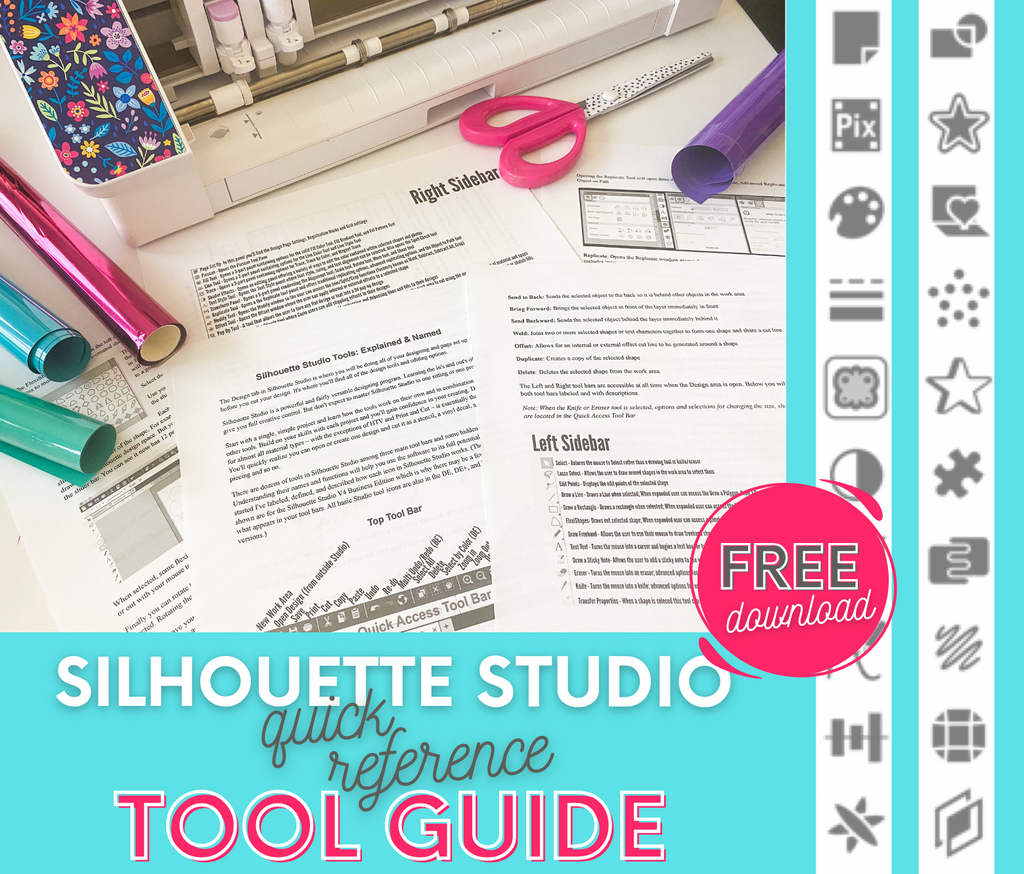
Get the Free Silhouette Studio Tool Guide

Get the Free Silhouette Studio Tool Guide

Download Now
Preview Every Video in Our Exclusive Library

Preview Every Video in Our Exclusive Library

Browse Video Tutorials
What's New at SIL U Blog

Shopping Cart

Your cart is currently empty.