New Videos in the Silhouette U Library (August 2026)

What's new in August? Five videos spanning every skill level from beginner all the way to advanced. Silhouette users get a full deep dive into the V5 Send panel plus a fix for the library files you can never find again, DTF makers get Part 2 of the white ink homework, eufyMake E1 owners get a complete first UV print walkthrough, and laser users learn how to build a test grid that actually tests something.

Silhouette Studio V5 Send Panel Explained: A Deep Dive

The Send panel is where every single cut job ends up, and in V5 it looks less like V4 than almost anything else in the software. That is a problem when nearly every tutorial out there is still showing you V4. Melissa walks the whole panel: force, speed and passes, blade depth and the manual blade trap that quietly ruins cuts, line segment overcut, and the five line buttons that moved. Plus the compound path fix for when cut outline only selects everything anyway, and why a red line will never cut with a blade in tool holder 2.

Watch Video

How to Organize Your Silhouette Studio Library with Keywords

Files you import or design yourself land in your library with no category attached at all, which is exactly why you can never find them again. Melissa shows how to open Show Properties on any file and fill in the name, artist, description and category, then how to add your own custom keywords for the things Silhouette has no category for, like sublimation, stickers, DTF and UV. A keyword will surface a file even when that word appears nowhere else in it.

Watch Video

How to Reduce White Ink Density for Softer DTF Transfers

Part 2 of the two-part homework picks up in xTool Studio. If you are pressing onto white, cream or light gray, you do not need a heavy white underbase, and pulling it back gives you a noticeably thinner, softer transfer. Melissa shows where the white ink percentage hides behind the Reference dropdown, how far you can safely drop it, and the hard rule for dark shirts that keeps this from ruining a whole run. Plus white ink coverage, a free print head trick that saves time on every job, and the cost estimator that prices ink and film together.


Watch Video

How to Do Your First UV Print Start to Finish (eufyMake E1)

The whole UV workflow start to finish, with nothing fancy in it on purpose. Melissa uses the eufyMake E1, though the process is close to the same on any desktop flatbed UV printer. You will see why your blank does not need to be straight but absolutely does need to be flat, how to run the Snapshot camera scan, the material warning that trips people up and the way around it, what Choke actually does, and the ink mode and layer settings where most beginners freeze. First rule: print on something you genuinely do not care about.

Watch Video

How to Set Up a Laser Engrave Test Grid (and How Not To)

A test grid tells you which power and speed settings your material actually wants. But there is a way to build one in xTool Studio that looks completely correct, with all the numbers labeled down both axes, and tests absolutely nothing. The software never warns you. Melissa shows that failure first so you can recognize it, then the setup order that makes the array work properly. Plus the ten second check worth running before you burn anything, and why you should cut your finished grid out and keep it.

Watch Video

More Exclusive Member Benefits

1:1 Assistance icon

1:1 Assistance

  • Personalized 1:1 Chat Help with Melissa
  • Get your questions answered in real time
  • Regularly voted one of our members' favorite perks

Exclusive Assets / Libraries icon

Exclusive Assets / Libraries

  • Access to Exclusive Content & Calculators
  • New Videos Added to Video Library Monthly
  • Exclusive Members-Only Mini Guides
  • Monthly Coupon for Fonts & Designs (Pays for your membership!)

Fast Help & Savings icon

Fast Help & Savings

  • Access to Member Only Priority Inbox for Fast Help
  • Private Facebook Group Access
  • Member Only Deals at Retail Partners

More from Silhouette U

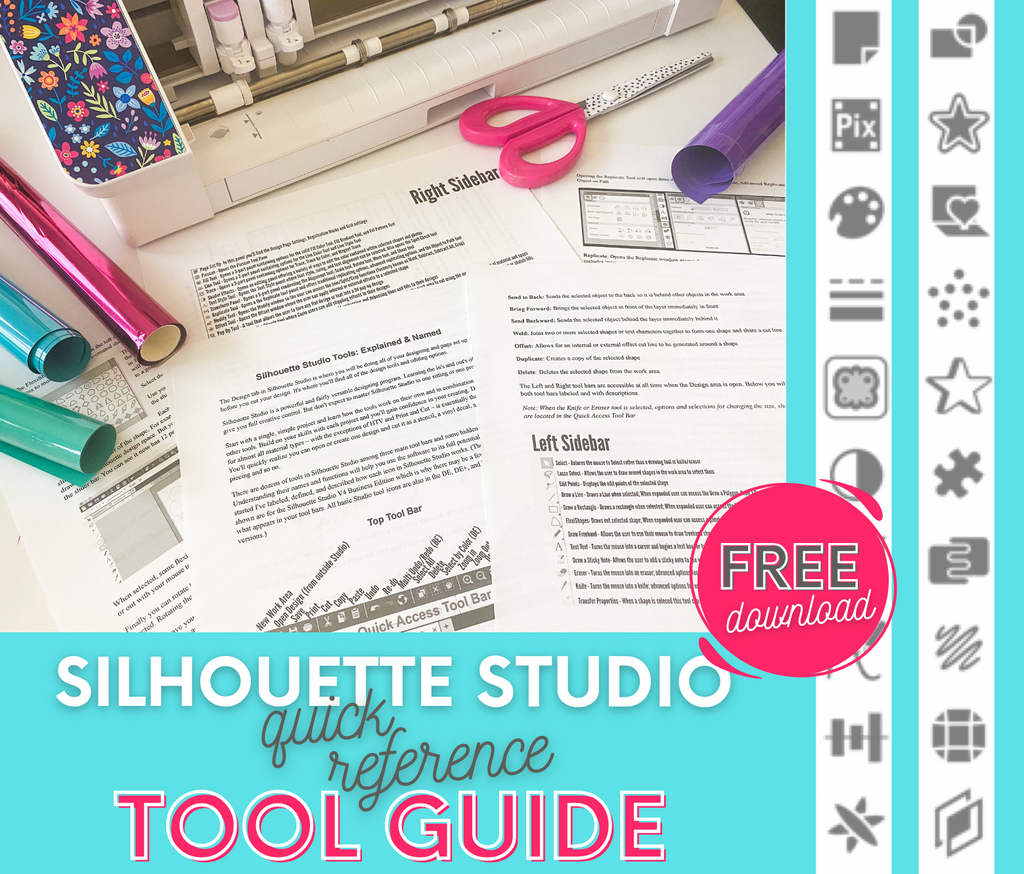
Get the Free Silhouette Studio Tool Guide

Get the Free Silhouette Studio Tool Guide

Download Now
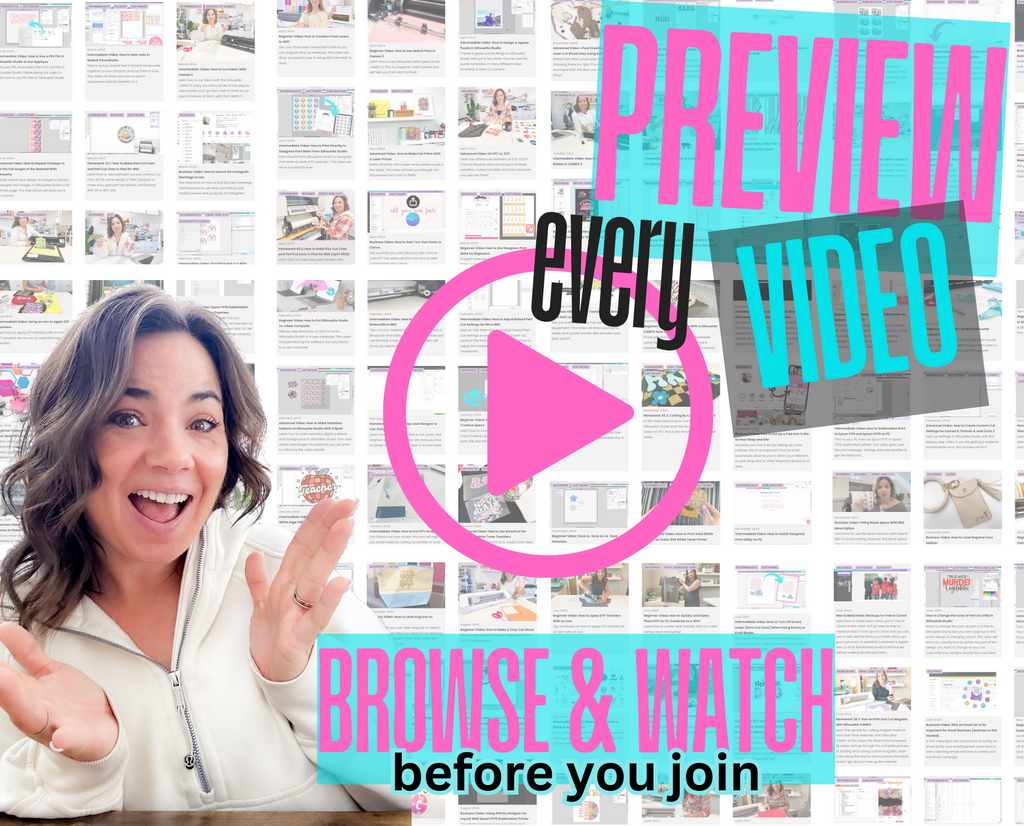
Preview Every Video in Our Exclusive Library

Preview Every Video in Our Exclusive Library

Browse Video Tutorials
What's New at SIL U Blog

Shopping Cart

Your cart is currently empty.