
New Videos in the Silhouette U Library (April 2026)

What's new in April? Learn two ways to crop images in Silhouette Studio V4 and V5, master white border stickers in Silhouette Studio V5, get precise with node editing in xTool Creative Space, finally stop guessing where to place your HTV designs, and tackle white border stickers on the Roland BN2-20A from start to finish. A packed month across every skill level!

How to Crop an Image in Silhouette Studio — V4 & V5

Learn how to crop an image in Silhouette Studio two ways — crop it down using point editing and arrow keys, or crop it into any shape using the Modify panel. Works in both V4 and V5 on CAMEO 4 and CAMEO 5.

Watch Video

How to Put a White Border Around Stickers in Silhouette Studio V5

The white border sticker process changed in Silhouette Studio V5. This video walks you through the full V5 workflow — setting your background to transparent, creating the offset, handling islands, and setting up your cut lines correctly in the send panel for a clean print and cut.

Watch Video

How to Edit Nodes in xTool Creative Space

Node editing in xTool Creative Space gives you precise control over cut lines and shapes — but the tool isn't obvious to find. This video shows you exactly how to use the edit points feature to fine-tune your designs, smooth offset paths, and even reshape basic shapes into something completely custom

Watch Video

HTV Placement Guide: Exact Measurements for Shirts & Hoodies

Stop guessing where to place your HTV design. This video gives you exact placement measurements for infant, toddler, youth, and adult shirts, hoodie front and back placement (including how the hood changes everything), and pocket placement — including which side the design goes on.

Watch Video

How to Set Up White Border Stickers on the Roland BN2-20A

Making white border stickers on the Roland BN2-20A requires two things set up correctly — a white offset layer and a properly named cut line that VersaWorks can recognize. This video covers the complete Mac workflow: Silhouette Studio for the offset, Affinity Designer for the named cut color, and VersaWorks to verify everything is right before you print.

Watch Video

More Exclusive Member Benefits

1:1 Assistance icon

1:1 Assistance

  • Personalized 1:1 Chat Help with Melissa
  • Get your questions answered in real time
  • Regularly voted one of our members' favorite perks

Exclusive Assets / Libraries icon

Exclusive Assets / Libraries

  • Access to Exclusive Content & Calculators
  • New Videos Added to Video Library Monthly
  • Exclusive Members-Only Mini Guides
  • Monthly Coupon for Fonts & Designs (Pays for your membership!)

Fast Help & Savings icon

Fast Help & Savings

  • Access to Member Only Priority Inbox for Fast Help
  • Private Facebook Group Access
  • Member Only Deals at Retail Partners

More from Silhouette U

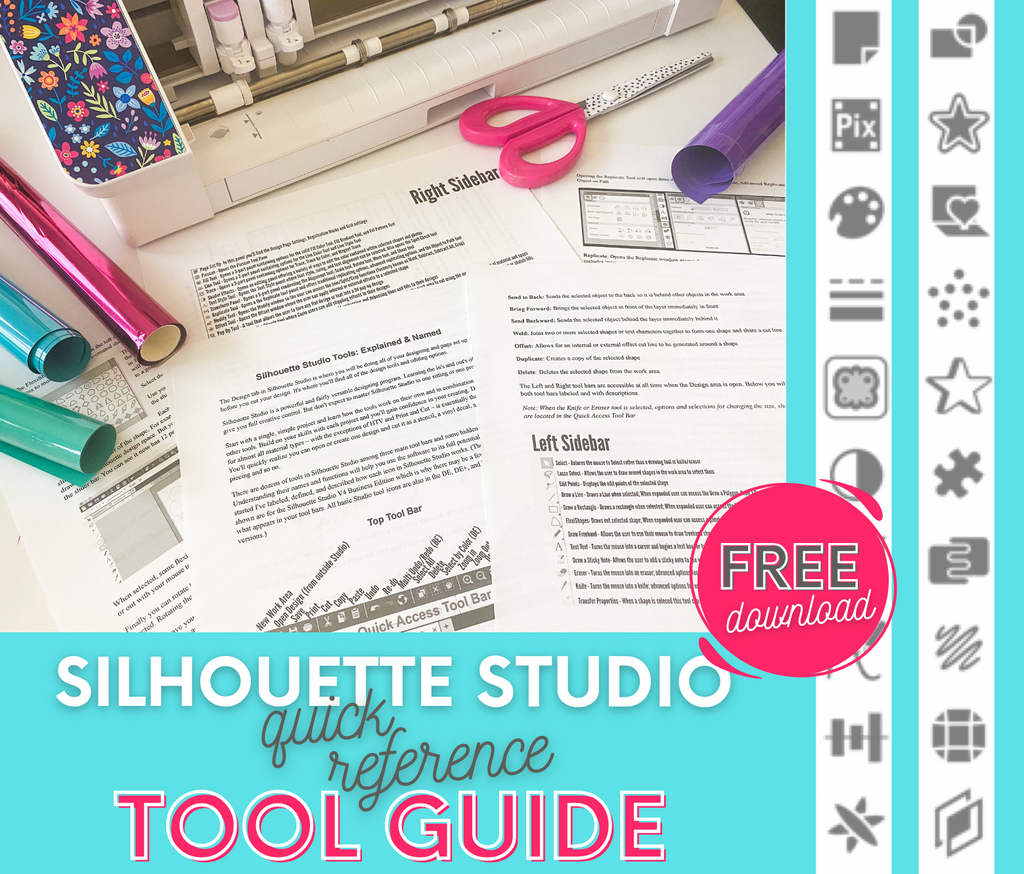
Get the Free Silhouette Studio Tool Guide

Get the Free Silhouette Studio Tool Guide

Download Now
NEW! HTV Cost Calculator

NEW! HTV Cost Calculator

Start Pricing Right
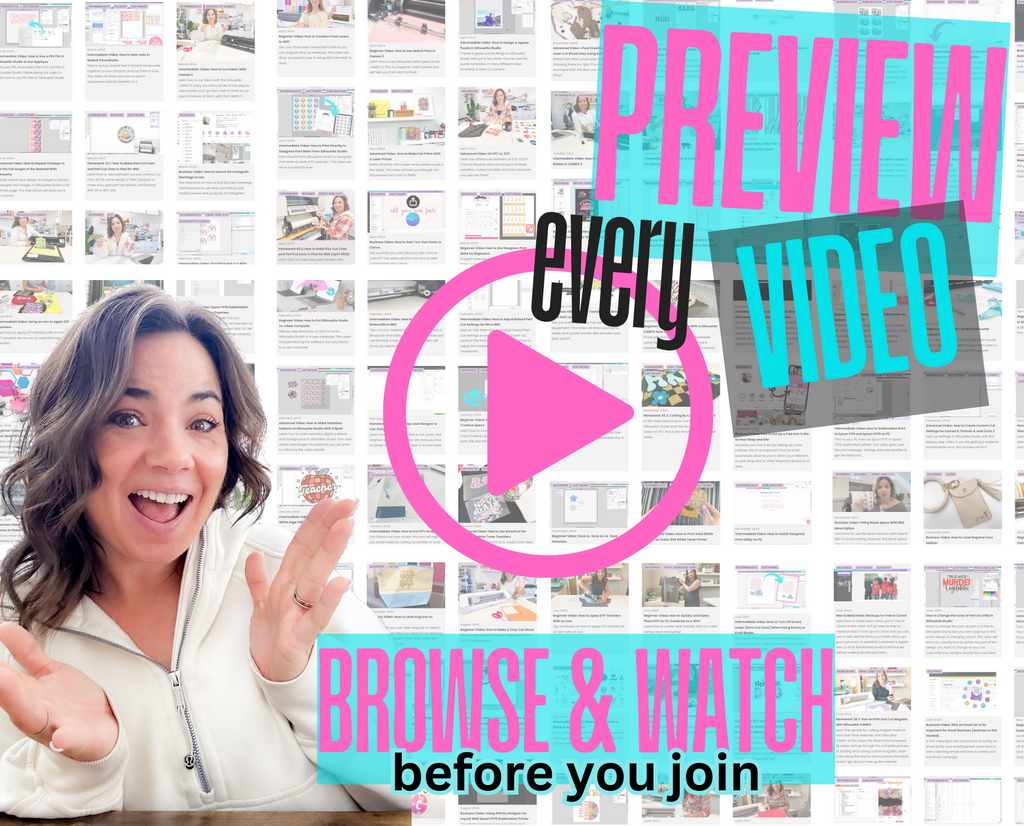
Preview Every Video in Our Exclusive Library

Preview Every Video in Our Exclusive Library

Browse Video Tutorials
What's New at SIL U Blog

Shopping Cart

Your cart is currently empty.