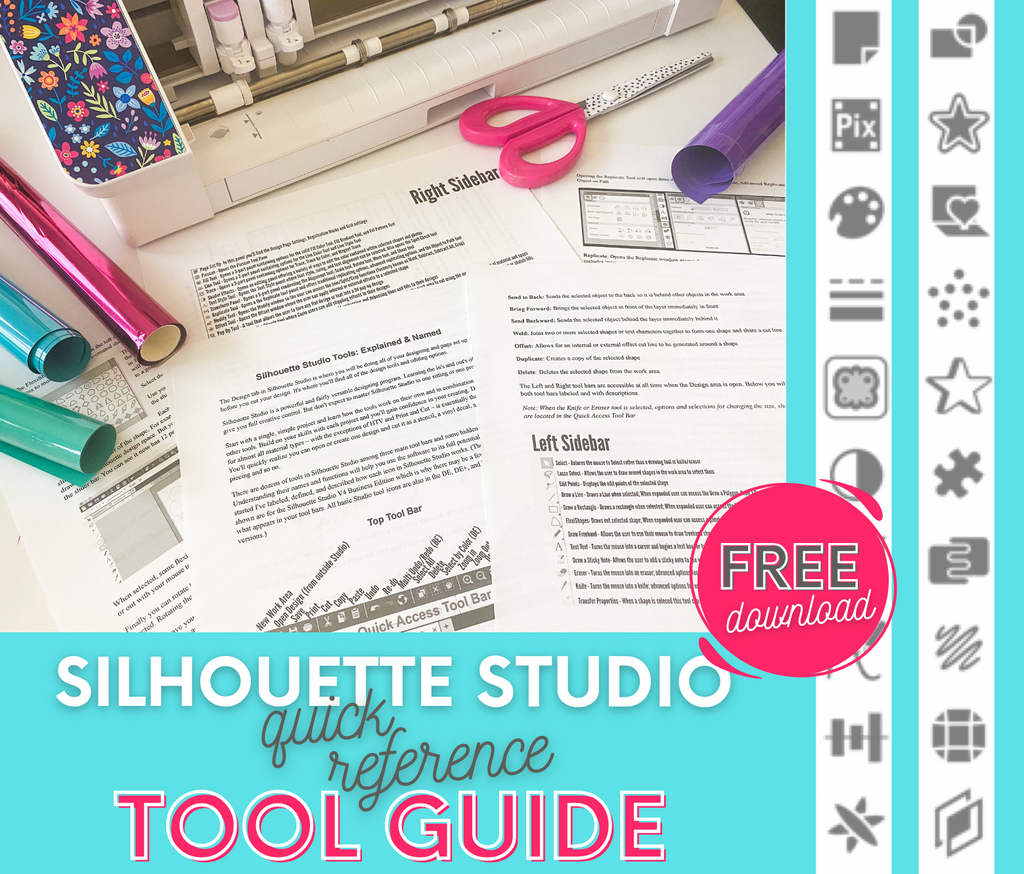


Anyone can download Silhouette Studio for free directly from Silhouette America's website without buying or connecting a Silhouette machine. The software works on both Mac and PC, there's no trial timer, no account subscription, and no ongoing cost. It's the same design program that runs every Silhouette CAMEO, Portrait, and Curio - but you don't need to own any of those to use it.
That opens up a lot of use cases beyond Silhouette owners. Cricut users who want a real vector design tool to build SVGs before importing into Design Space. Brother ScanNCut owners working around the limits of the built-in software. xTool and Glowforge laser engravers designing cut and engrave files. Sublimation printer owners laying out multiple designs on a single sheet to save paper. DTF printer users prepping transfers with precise sizing. Silhouette Studio handles all of it, and the free version is genuinely capable for plenty of those workflows on its own.
The free version, called Basic Edition, gives you everything you need to open the software, design simple projects, send files to a Silhouette cutter, and work with the built-in library. You can add text, draw shapes, import PNG and JPG images, and do far beyond just basic layout work. For someone making a simple vinyl decal or cardstock cutout from scratch, Basic Edition will do the job.
Where Basic runs out of room is the moment you want to do anything more advanced OR you want to export in common file formats. Free Silhouette Studio can't import SVG files, which is how nearly every cut file sold online is distributed. It doesn't include advanced nesting, which is the feature that packs multiple designs onto a single sheet to save material. If you opened Studio and wondered why so many tutorials reference features you don't see, this is why - they're referencing paid-edition features. The biggest one is the ability to export in any file format other than the proprietary studio file type.
Silhouette Studio has three paid upgrades, all of which are one-time purchases rather than subscriptions. Designer Edition is the entry-level upgrade and is where SVG import lives - for most crafters buying cut files online, this is the minimum you'll need. Designer Edition Plus adds the flexishapes tool and embroidery file import (PES, DST, EXP, JEF, XXX) on top of Designer features, which matters if you embroider alongside cutting. Business Edition is the top tier (and most popular) and includes every feature in the software: nesting, matrix copy, PNG and SVG export, and advanced layout tools. Pricing moves around with sales, but Business Edition typically runs around $50 when discounted through third-party resellers, with regular pricing higher.
Every paid upgrade license covers up to three computers. So if you work on a desktop at home, a laptop when you travel, and a second machine in a studio or office, a single upgrade purchase covers all three as long as you sign into Silhouette Studio with the same email address on all computers. This matters if you're on the fence about a paid edition because you assume it's one-device-only.
So which version do you actually need? For hobbyists making simple projects with designs you create yourself, free Silhouette Studio is usually fine - with one MAJOR exception. If you do not have a Silhouette machine and are using Silhouette Studio with Cricut, a laser engraver, white toner printer, UV printer or Roland you will need Business Edition to export your files. There's no getting around this.
Even if you have a Silhouette CAMEO or Portrait, if you're buying SVG cut files from Etsy, Creative Fabrica, So Fontsy, or anywhere else online, Designer Edition is the minimum you'll need as well so you can open the SVG files.